PDF Tools in 2026: How to Choose the Right Solution for You
Explore the best pdf tools for merging, editing, compressing, and converting documents. Compare features, security, and pricing to find your ideal solution.
 Written by Parag Gajera
 More than 2.5 billion PDF documents are opened every day across digital ecosystems, and the software that handles them has become a cornerstone of modern work. Whether you are merging contracts, compressing design files, or signing agreements remotely, PDF tools shape how efficiently you manage documents. Before diving in, it is worth understanding whether are online PDF tools safe and what separates a reliable solution from a risky one.
The landscape of PDF software has grown rapidly. The global PDF software market was valued at $2.41 billion in 2025 and is projected to reach $2.68 billion in 2026, according to a Global Growth Insights report. With hundreds of options available, from desktop suites to lightweight browser applications, selecting the right tool can feel overwhelming. This guide breaks down what matters most so you can make a confident, well-informed decision.
Why the Demand for PDF Software Keeps Growing
Over 2.5 billion PDF documents are opened daily across digital ecosystems, and more than 90% of enterprises globally rely on the PDF format for secure documentation. Those numbers reflect a format that has moved well beyond simple file viewing. Teams now need to edit, annotate, sign, redact, and convert PDFs as part of their everyday operations.
Several forces are accelerating this demand. The rise of remote work and the emphasis on paperless operations have further accelerated the adoption of PDF tools across industries such as education, healthcare, and finance. The market is driven by the rise of digital transformation, with 65% of businesses adopting paperless solutions, and cloud-based PDF software usage has reached 72% penetration among enterprises.
According to the U.S. Bureau of Labor Statistics, over 28% of U.S. employees were working remotely at least part-time in 2026, as noted by Verified Market Reports. This shift directly amplifies the need for reliable, cloud-friendly document solutions that work across devices and locations.
Key Features to Look for in a PDF Tool
Not all PDF solutions offer the same capabilities. When evaluating your options, you should focus on several core areas that directly affect productivity and security.
- Merging and splitting: The ability to combine multiple files into one document or extract specific pages saves significant time when assembling reports, contracts, or presentations.
- Compression: Large PDF files slow down email delivery and cloud storage. A good compression feature reduces file size without degrading visual quality.
- Conversion: Converting between PDF and formats such as Word, Excel, JPG, or PNG is essential for teams that need to repurpose content.
- Editing and annotation: Adding text, highlighting sections, and inserting comments allow teams to collaborate on documents without printing.
- Electronic signatures: With e-signature adoption growing rapidly, the ability to sign documents digitally within the same platform eliminates extra steps.
- Security features: Password protection, encryption, and watermarking ensure sensitive documents remain confidential.
The best approach is to match these features to your actual workflow. A freelancer preparing invoices has different needs than an HR department processing hundreds of onboarding documents each month.
Browser-Based Processing: A Privacy Advantage
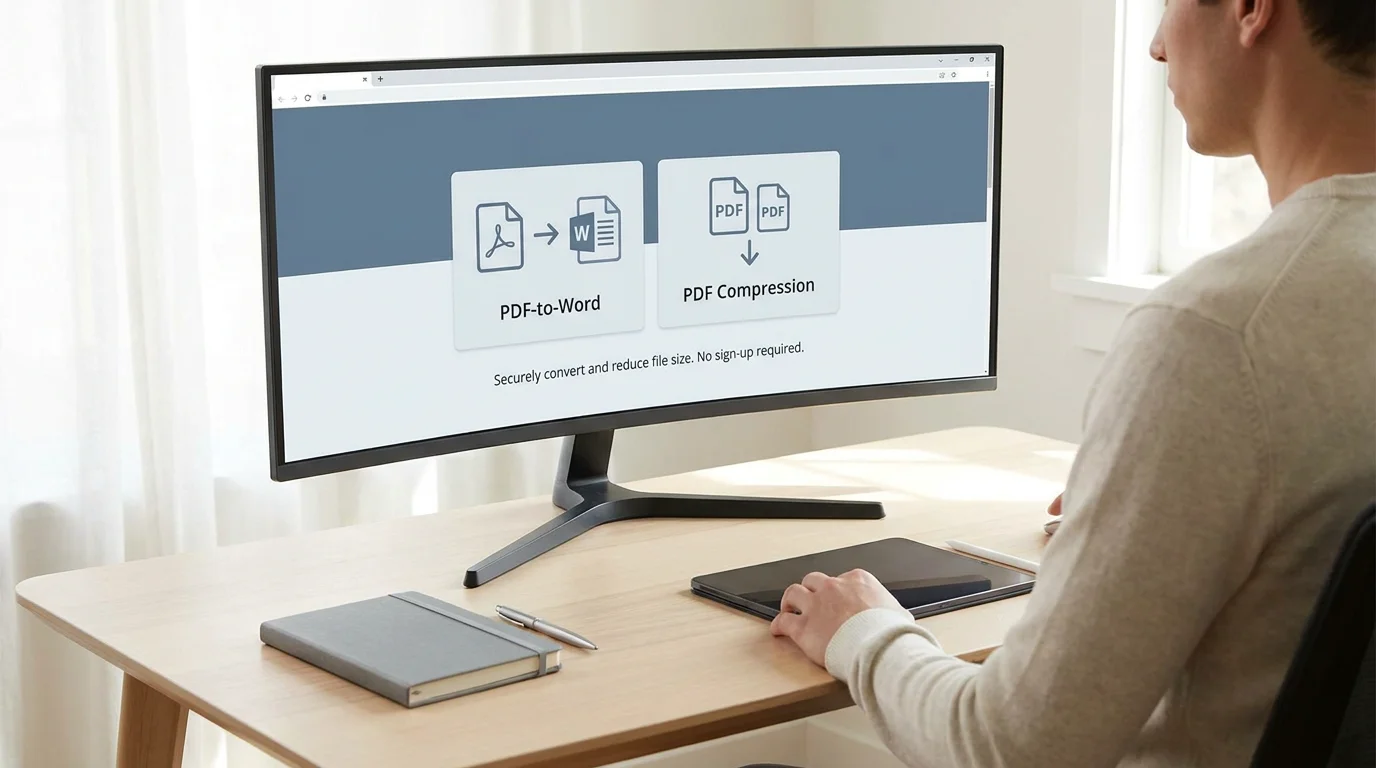
One of the most important distinctions among modern PDF solutions is where file processing takes place. Traditional tools upload your documents to remote servers. Browser-based tools, by contrast, handle the work directly on your device.
This distinction matters because 47% of users cite data security concerns as a challenge when using PDF software, according to a Global Growth Insights market study. When files never leave your computer, the risk of interception or unauthorized access drops substantially.
We built our platform around this principle. With 22 of our 24 tools running entirely in the browser, your files stay on your device throughout the entire process. There is no upload, no server-side storage, and no residual copy left behind. For a deeper look at how this works, explore our guide on PDF tools in the browser.
Free vs. Paid: Understanding the Real Trade-Offs
48% of SMEs cite high licensing costs as a barrier to adopting PDF editor software, according to a Business Research Insights report. That statistic highlights a genuine tension in the market. Many professionals need powerful functionality but cannot justify expensive subscriptions, especially for tasks they perform only a few times per week.
Free PDF tools often come with trade-offs that erode their value. Common limitations include watermarks stamped on output files, mandatory account creation, daily usage caps, and restricted file sizes. These constraints can turn a quick task into a frustrating experience.
Our approach eliminates these barriers entirely. We provide 24 free tools with no watermarks, no signup requirements, and no daily limits. You can process documents immediately, whether you are on a laptop, tablet, or smartphone. For teams that need to automate your PDF workflows, our optional developer API extends the same engine into custom integrations.
Comparing Popular PDF Tool Categories
The market offers several distinct categories of PDF software, each suited to different users and budgets. The table below summarizes how they compare across the criteria that matter most.
| Criteria | PDFWix | Desktop Suites | Freemium Web Apps | Enterprise SDKs |
|---|---|---|---|---|
| Price | Free (API optional) | Paid license or subscription | Free tier with paid upgrades | Volume licensing |
| Signup Required | No | Yes | Often yes | Yes |
| Browser Processing | 22 of 24 tools | No (local install) | Varies | Server-side |
| Watermarks | None | None (paid) | Common on free tier | None |
| Daily Limits | None | None | Common on free tier | None |
| Mobile Support | Yes (all browsers) | Limited | Varies | API-dependent |
| Best For | Individuals, SMBs, teams needing fast, private processing | Power users with complex editing needs | Occasional light use | Developers building document pipelines |
Desktop suites provide deep editing capabilities but require installation and licensing. Freemium web applications offer convenience but often restrict free-tier users with watermarks or caps. Enterprise SDKs serve developers who need to embed PDF processing at scale. Our platform occupies a unique position by offering comprehensive, truly free functionality with browser-side privacy.
Security and Compliance: What You Should Verify
Document security is not optional; it is a baseline requirement. 68% of malware attacks using document formats in 2024 were delivered via PDFs, making it the most commonly exploited file type for phishing and ransomware. That figure, cited from a 2025 Cisco Talos report, underscores why the tool you choose must take PDF security seriously.
When evaluating any PDF platform, verify the following safeguards:
- Encryption in transit: All uploads and downloads should travel over HTTPS.
- Data residency: Understand where files are processed and whether copies persist on servers.
- GDPR alignment: If you handle personal data from European residents, your tools must comply with data protection regulations.
- Password protection: The ability to lock output files with a password adds an extra layer of defense.
Our platform uses HTTPS on every transfer, aligns with GDPR principles, and processes most files locally in the browser so that documents never reach an external server. For the two server-side tools, files are deleted promptly after processing.
AI Integration and the Future of PDF Workflows
Artificial intelligence is reshaping what document management tools can accomplish. AI-powered PDF features are adopted by 33% of new software solutions, increasing automation in editing tasks, according to a 2026 market analysis. Features like intelligent OCR, automated form filling, and smart redaction are moving from novelty to necessity.
78% of organizations integrate PDF tools into workflow automation systems, a figure that reflects a broader shift toward end-to-end document automation. As AI capabilities mature, expect tools to handle tasks such as automatic data extraction, classification of document types, and real-time translation.
For teams already looking to streamline repetitive processes, you can edit PDFs without Adobe using lightweight browser-based alternatives that save both time and budget.
How to Pick the Right PDF Tool for Your Team
Selecting the ideal solution depends on three factors: your workflow volume, your security requirements, and your budget.
For individuals and freelancers, a free browser-based tool that handles merging, compression, and conversion covers the majority of daily needs. Speed and simplicity matter more than deep feature sets.
For SMBs and growing teams, look for a platform that scales without adding per-seat costs. No-signup access means any team member can process a document instantly, which reduces onboarding friction and IT overhead.
For enterprise and compliance-heavy environments, evaluate API capabilities, audit trails, and integration options. A tool that processes files locally while offering an optional API for automated pipelines provides the best of both worlds.
In every case, test the tool with a real task before committing. Upload a multi-page contract, compress a large presentation, or convert a spreadsheet to PDF. The experience should feel fast, intuitive, and free of unexpected limitations.
In a market projected to reach $7.13 billion by 2035, the range of available PDF tools will only expand. The key is to choose a solution that respects your privacy, eliminates unnecessary friction, and adapts to your workflow rather than forcing you to adapt to it. Our platform delivers exactly that: 24 free tools, browser-based processing for stronger privacy, and zero watermarks or daily caps. To see the difference for yourself, compare our PDF tools and find the right fit for your needs.
Frequently Asked Questions
Are free PDF tools reliable enough for professional use?
Yes, many free PDF tools handle merging, splitting, compression, and conversion with professional-grade quality. The key is to verify that the tool does not add watermarks, impose daily limits, or require account creation. PDFWix, for example, provides 24 free tools with clean, unbranded output suitable for business documents.
Is it safe to process confidential documents with online PDF tools?
Safety depends on where processing occurs. Tools that handle files in the browser keep documents on your device, which eliminates server-side exposure. Always confirm that any platform you use encrypts transfers with HTTPS and deletes uploaded files promptly if server processing is involved.
Can PDF tools integrate with existing business software?
Many PDF platforms offer APIs that connect with CRM systems, cloud storage, and custom applications. Our developer API runs on the same engine as our free tools, making it straightforward to embed PDF processing into automated workflows without building a separate infrastructure.